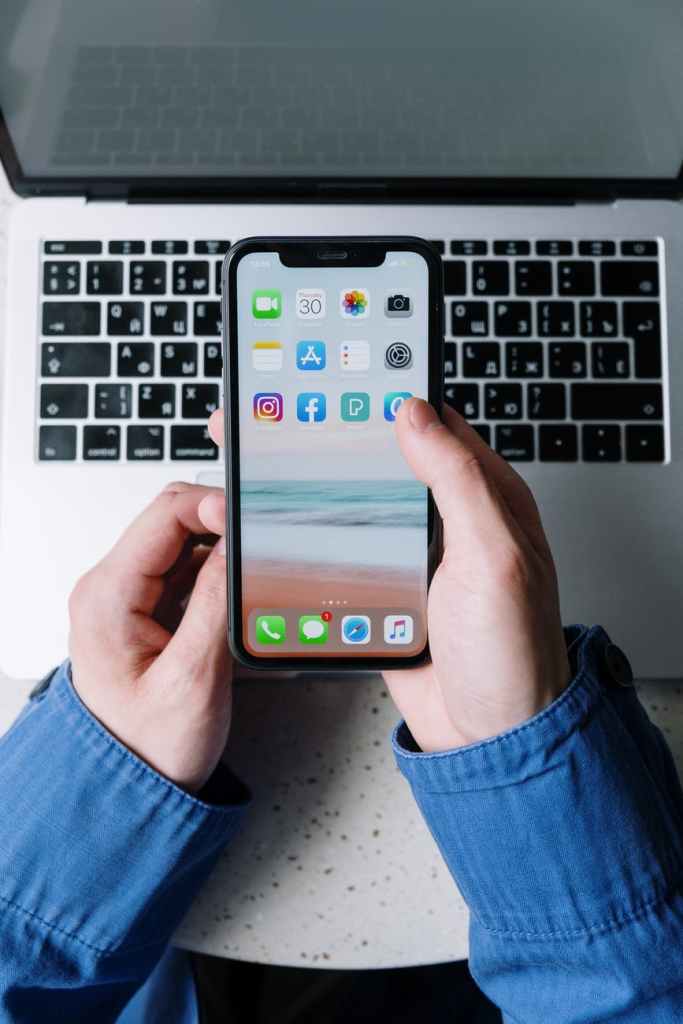
For a very long time, blocking of number as been Existing on Android phone . The option now exist on iPhone.
Many people block number or contact for different reasons such as Stalking, Disturbance, or wanted to ceased communication for some reasons.
Blocking Number on iPhone :
Is an easy process. However you just have to follow a simple Steps. When you block number or contact you won’t be able to get calls, message, or FaceTime from them. If you set a Voicemail, there call will be diverted to that but it will never reach you. The voicemail will stored on the iPhone but hidden from your regular voicemail.
How to Block Number on iPhone : 7 easy Steps
- Unlock the iPhone and open the Phone App
- Now tap on thw recent Tab: where in it will show all the recent calls you had take on the phone
- Choose the number you want to block from the list. You can do the same on Contact
- Now Tap on “I” Icon to show the contextual menu scroll down..
- You will find the “Block this caller” option . Tap on it and you will be asked whether you want to block the number tap “Block contact ” and you’re done.
- You can also do the same from Message App on the iPhone. Tap the sender Informations and you see the same options.
- To Unblock a contact, go to settings and open Phone. You will find the blocked contacts, from here choose the desired contact to unblock…
Note: Blocking of Number using the steps above does not stop you from receiving messages from social media handled such as WhatsApp, Facebook, Instagram.. To stop receiving messages from them on social media Login to the respective account and perform the blocking from there…

 Djbussytechworld #1 |
| SOLUTIONS | PATHFINDER
Djbussytechworld #1 |
| SOLUTIONS | PATHFINDER 